Getting Started

Ready to start the party? Let's get you into your lessons.

Step 1: Start by logging in

To log in, click the "Login" button in the top right-hand corner of the screen.

Step 2: Navigate to Products

After you've logged in, you'll find all the lesson content. Lessons will be found under "Products."

You'll find "Products" in the top right-hand corner of your screen. It will look like this:
 

Step 3: Viewing your products

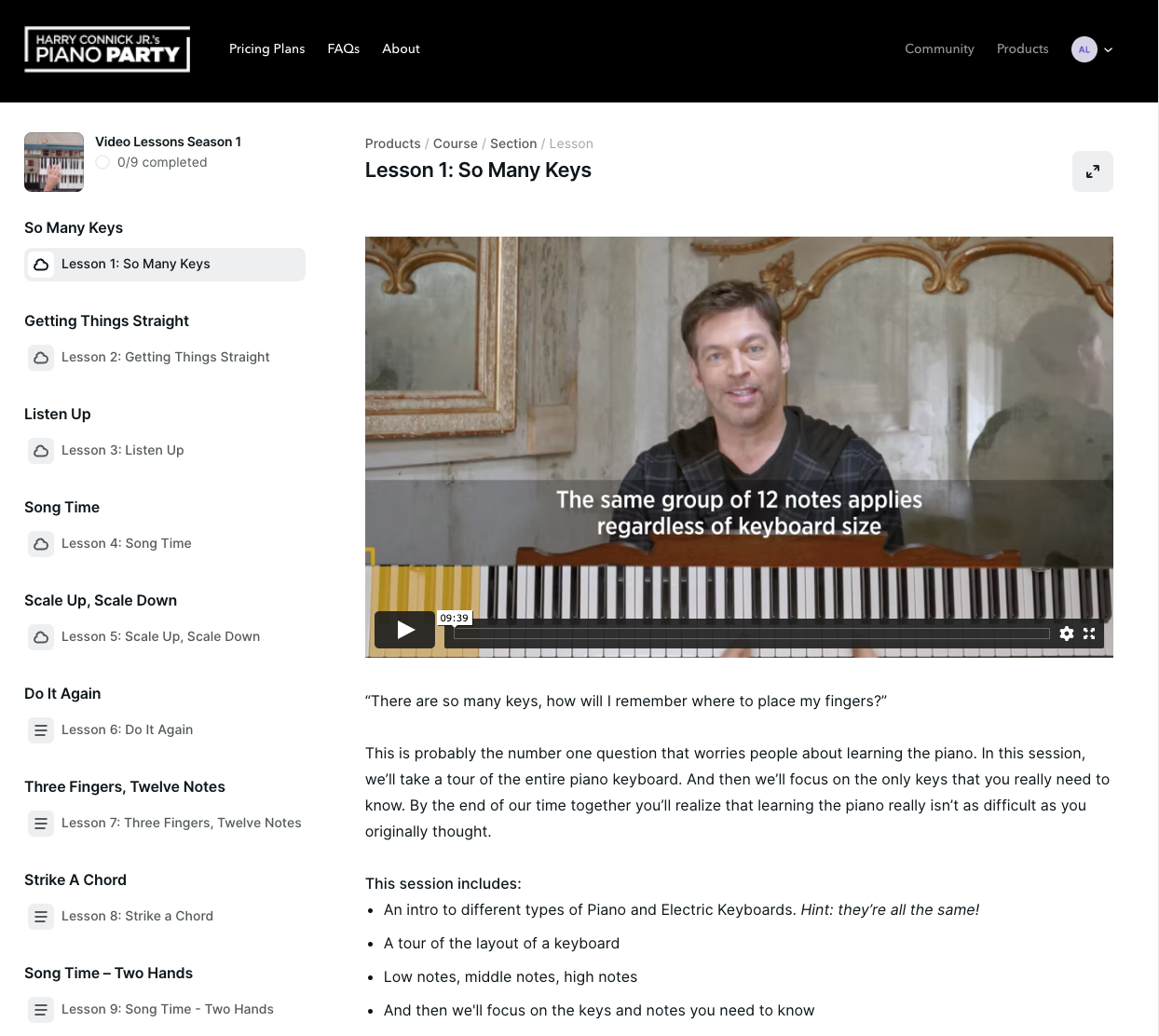
Once you click that, you'll be taken to a screen where you will see a link to access the lesson content. Here's what this should look like:

Step 4: Watching the lessons

From the Products page, you will click on "Video Lessons Season 1" and see the content for each episode.


Episodes 1-5 are now available for viewing. Episodes 6-9 will be available starting April 21st, 2022. All lesson content is available for 4 months after your purchase date.

Accessing Premium Features

With the purchase of a Premium Package, you get access to the Piano Party Community (hosted on The Neutral Ground Discord) and two live interactive sessions. Here's how to access both. 

Access Community

The interactive portion of the Piano Party community is on Harry's Discord platform, The Neutral Ground.

Join us there to meet like-minded students, discuss lessons in detail & have some fun! This is a private community for Premium Subscribers of Piano Party only, so expect to be working and engaging with fellow students who are on the same piano-playing journey as you.

If you are already on Discord but can't yet see the private Piano Party Channel, drop a comment here and add it to your Piano Party profile.

If you are new to Discord, below are instructions on how to join.

Step 1: Set up your Discord account

Download Discord, create a username and claim your account. For help with this, please visit Discord's Getting Started guide. You can also check out this YouTube tutorial for support.

Step 2: Join The Neutral Ground server

Once your account is set up and you are logged in, please use this link to join the community: Join The Neutral Ground Discord.

Step 3: Share your Discord handle

Comment here with your Discord handle. Once our team has access to your handle, you will be added to the private Piano Party channel.

*Please note:  While it’s good to have Discord on both your mobile device and your desktop, we find that using Discord on your desktop is generally a bit easier, so we suggest this method when you’re getting started. We also recommend turning all public direct message (DM) settings to private upon launch. Feel free to comment below or in our Help/Support section with further questions.

Accessing Live Interactive Sessions

The live sessions with Harry will be held on April 21st and June 16th, at 7pm Eastern Standard Time. Premium Users can access these sessions from the Products section of their Piano Party account after logging in.

The sessions will be recorded and available for viewing after the event if you aren't able to make it.